
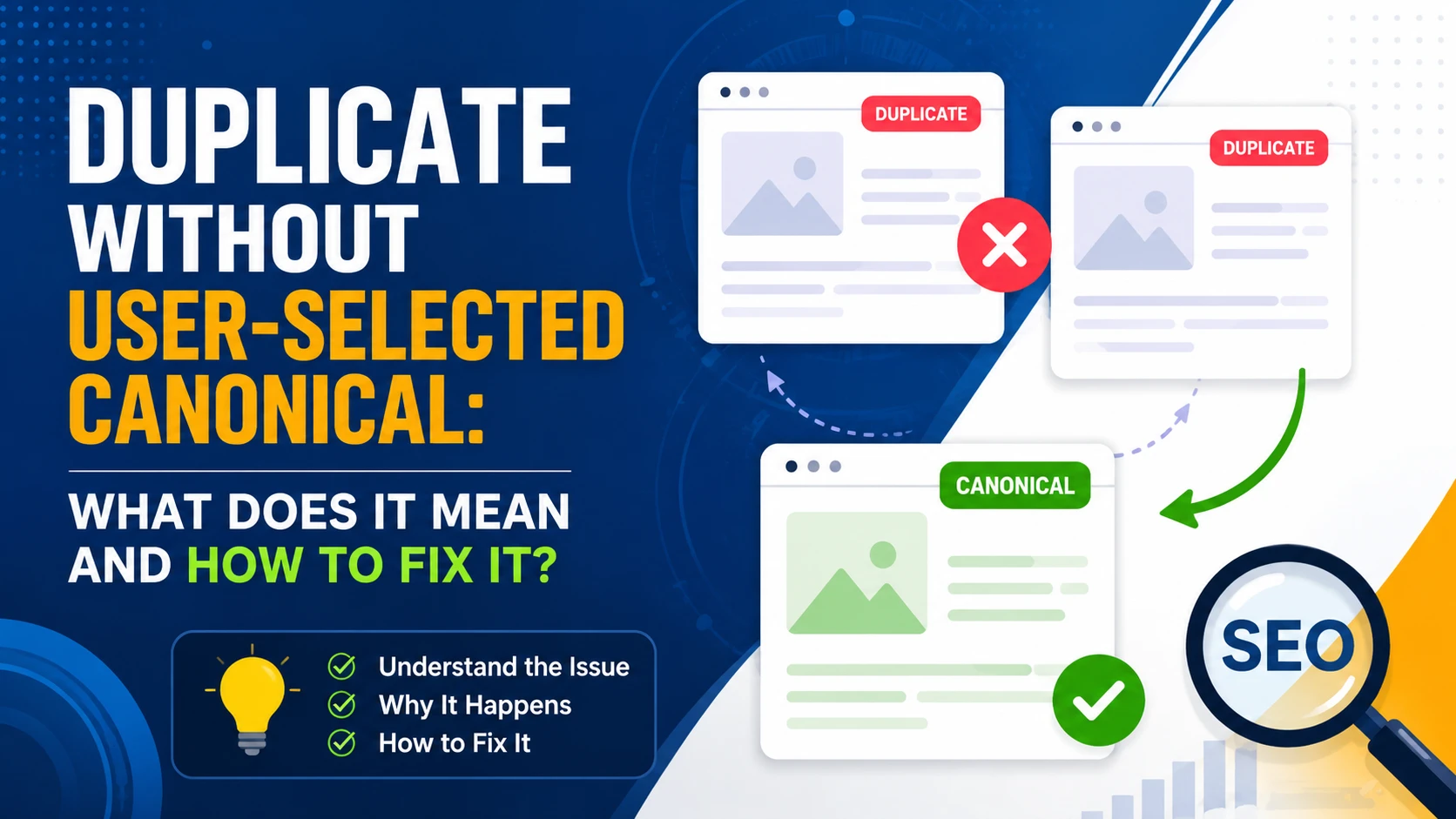
Duplicate without User-Selected Canonical: What Does It Mean and How to Fix It?
You may have seen this issue during the audit of your website in the search console! Yes, I am talking about “duplicate without user selected canonical“. At the beginning, this may look like a small SEO Error. Surprisingly this does not necessarily mean that something is broken.
In other words, Google is mainly telling you that “hey, I found multiple pages with similar content but you did not tell me which version should I treat as the main version“. Google then selected a canonical URL by itself and excluded the duplicate URL from its index.
So in this guide I will be explaining what exactly “duplicate without users selected canonical” is.
What Does “Duplicate Without User-Selected Canonical” Mean?
“Duplicate without user-selected canonical” is a Google Search Console indexing status that tells you, Google found a page that looks similar to another URL, but your website has not specified a canonical tag for that page.
Google then chooses which URL it considers the main version.
For example, imagine your website has these two URLs:
- example.com/seo-guide/
- example.com/seo-guide/?utm_source=facebook
If both URLs display essentially the same content, Google may consider one of them a duplicate.
If you haven’t specified a canonical URL, Google may choose:
example.com/seo-guide/
as the canonical version and exclude the other URL from search results.
In simple terms
Think of it this way:
You created multiple URLs for the same or very similar content → Google detected the duplication → you didn’t specify the preferred URL → Google chose one itself.
That’s why Search Console reports:
Duplicate without user-selected canonical
Remember: Google can intentionally exclude duplicate URLs from its index. If the correct version of your page is indexed and ranking normally, and I think there may be nothing you need to fix.
For example, suppose these URLs exist:
- /products/shoes/
- /products/shoes/?color=black
- /products/shoes/?utm_campaign=sale
If the main /products/shoes/ page is indexed and the parameter URLs aren’t important search landing pages, Google excluding those duplicate URLs is usually expected.
The problem becomes more important when Google selects the wrong canonical URL or when an important page that you want indexed is being classified as a duplicate.
How to Find the Duplicate URL in Google Search Console?
If you see this status, the first step is to investigate which URLs Google considers duplicates.
Open:
Google Search Console → Indexing → Pages → Not indexed → Duplicate without user-selected canonical
Click on the status to see the affected URLs.
You can now inspect individual URLs using the URL Inspection tool.
Look for information such as:
- User-declared canonical
- Google-selected canonical
- Indexing status
- Crawled page
- Referring pages
How to Fix “Duplicate Without User-Selected Canonical”
The correct fix depends on why the duplicate exists.
There isn’t one universal solution.
Fix 1: Add a Self-Referencing Canonical
If the page is important and should be indexed, add a self-referencing canonical.
For example, on:
use:
<link rel=”canonical” href=”https://example.com/seo-guide/” />
This tells Google:
“This is the preferred version of this page.”
Make sure the canonical URL is the exact preferred URL.
Check:
- HTTPS
- www vs non-www
- trailing slash
- lowercase/uppercase
- URL parameters
Fix 2: Canonicalize Duplicate Pages to the Main Page
If two pages have almost the same content then only one should appear in Google, point the duplicate to the preferred page.
For example:
Duplicate:
Preferred:
The duplicate page can contain:
<link rel=”canonical” href=”https://example.com/seo-guide/” />
Now this will help consolidate the duplicate URLs toward the preferred version.
Fix 3: Use 301 Redirects When the Duplicate URL Isn’t Needed
If the duplicate URL has no reason to exist, a 301 redirect can be the best solution than a canonical tag.
For example:
/old-page/
redirects to:
/new-page/
A redirect tells users and search engines that the old URL has permanently moved.
Use redirects when you don’t need users or search engines to access the old URL separately.
Fix 4: Fix Internal Links
Check your website’s internal links.
If your preferred URL is:
https://example.com/seo-guide
don’t randomly link to:
https://example.com/seo-guide/?utm_source=internal
or another duplicate variation.
Your internal links should consistently point to the canonical version.
This helps search engines understand which URL you consider important. This Error will keep coming until you change those internal links.
Fix 5: Keep Only the Preferred URLs in Your XML Sitemap
Your XML sitemap should generally contain the URLs you want Google to index.
For example:
https://example.com/seo-guide
https://example.com/technical-seo
https://example.com/on-page-seo
Avoid filling your sitemap with duplicate URLs, parameter URLs, or URLs that redirect elsewhere.
Your sitemap, canonical tags, redirects, and internal links should ideally send consistent signals.
Fix 6: Consolidate Duplicate Content
If you have multiple pages targeting the same search intent, consider combining them.
For example, you might have:
/seo-guide/
/complete-seo-guide/
/seo-tutorial/
If all three pages cover essentially the same topic, creating one stronger resource may be better.
You can then:
- Choose the strongest URL.
- Combine useful content.
- Redirect the weaker URLs to the main page.
- Update internal links.
- Update the XML sitemap.
This can reduce duplication and make your site’s structure clearer.
Fix 7: Handle URL Parameters Properly
If parameters are creating unnecessary duplicate URLs, investigate how your website generates them.
Common parameters include:
- ?utm_source=
- ?utm_medium=
- ?sort=
- ?filter=
- ?color=
- ?size=
- ?session=
Tracking parameters generally shouldn’t create separate SEO landing pages.
Make sure your canonicalization and URL architecture prevent unnecessary parameter URLs from becoming important crawl targets.
What If Google Selected the Correct Canonical?
This is where many SEO professionals overreact.
Suppose Search Console says:
Duplicate without user-selected canonical
for:
example.com/page?utm_source=facebook
Google-selected canonical:
example.com/page/
If /page/ is the URL you actually want indexed, you may not need to do anything.
Google has simply recognized that the parameter URL is a duplicate and selected the correct primary version.
The status itself isn’t a penalty.
Canonical vs 301 Redirect: Which Should You Use?
A common question is whether to use a canonical tag or a 301 redirect.
The answer depends on the situation.
| Situation | Better option |
| Both URLs need to remain accessible | Canonical |
| Duplicate URL isn’t needed | 301 redirect |
| Similar product variations | Canonical may help |
| Old page permanently replaced | 301 redirect |
| Tracking parameter URL | Canonical/URL handling |
| HTTP → HTTPS | 301 redirect |
| Duplicate content with different URLs | Canonical or consolidation |
| Multiple versions of the same page | Canonical |
A canonical tag is a hint to search engines, whereas a redirect actually sends users from one URL to another.
Should You Remove the Page?
Not automatically.
Before deleting a page, determine whether it has:
- Organic traffic
- Backlinks
- Internal links
- Conversions
- Historical value
- Search demand
- Important content
If the page is genuinely unnecessary and another page replaces it, a 301 redirect may be appropriate.
If both pages serve different search intents, don’t merge them simply because they have some overlapping content.
Does “Duplicate Without User-Selected Canonical” Hurt SEO?
The status itself does not automatically hurt SEO.
Google regularly excludes duplicate URLs from its index.
The real issue is whether Google is excluding a URL that you actually want indexed.
For example:
Situation A — No problem
Your tracking URL is excluded and your main page is indexed.
Situation B — Potential problem
Your important service page is excluded and Google has selected a different URL as canonical.
In Situation A, you may not need to do anything.
In Situation B, you should investigate your canonicalization and site architecture.
Common Mistakes to Avoid
Don’t Add Canonicals Randomly
A canonical tag isn’t a magic solution for every indexing problem.
Make sure the canonical points to a page that is:
- Accessible
- Indexable
- Relevant
- Preferred
- Not redirecting unnecessarily
Don’t Canonicalize Unrelated Pages
Two pages don’t become duplicates simply because they target similar keywords.
For example, these could have different search intent:
- SEO audit services
- SEO consulting services
Don’t canonicalize one to the other unless they are genuinely duplicate or substantially similar.
Don’t Canonicalize Everything to the Homepage
This is a common mistake.
For example:
/blog/seo-guide/
→ canonical: homepage
unless the page is genuinely a duplicate of the homepage, this is usually incorrect.
Each important unique page should generally have its own canonical URL.
Don’t Ignore Internal Linking
A canonical tag is only one signal.
If your canonical says:
/page-a/
but most of your internal links point to:
/page-b/
you are sending mixed signals.
Keep your internal links, sitemap, redirects, and canonical tags consistent.
Final Thoughts
“Duplicate without user-selected canonical” doesn’t automatically mean that your website has an SEO problem.
Google is often simply telling you that it found multiple URLs with similar content and selected one version for indexing.
The important question isn’t:
“How do I remove this status from Google Search Console?”
Instead, ask:
“Did Google choose the URL I actually want indexed?”
If the answer is yes, you may not need to take any action.
If the answer is no, investigate your canonical tags, internal links, XML sitemap, redirects, URL parameters, and duplicate content.
The goal isn’t to make every URL indexed. The goal is to make sure Google understands which URLs are important and which versions should be treated as duplicates.
Also Read: